Install
WAH-i-Optimiser can be used in two ways:
- Packaged installer (recommended) — no full MATLAB licence required (uses MATLAB Runtime).
- From MATLAB (development) — best if you plan to edit the code or contribute.
Note
For the app to look its best, install the Lato font on your computer. If you do not have the recommended font, it defaults to the system fonts after checking for a few fallback options.
Option A — Use the packaged installer (recommended)
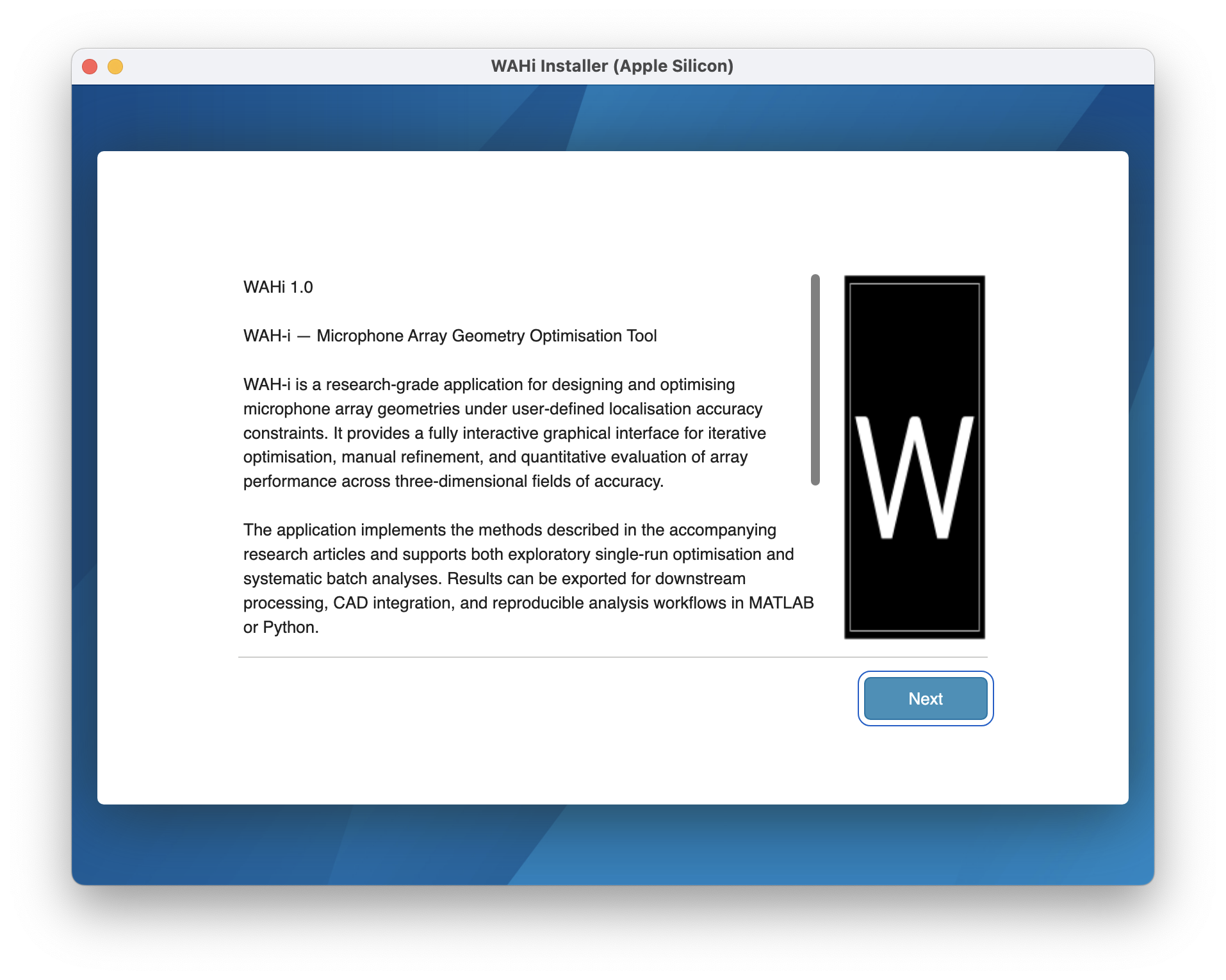
- Download the latest release from the repository’s Releases page.
- Run the installer for your platform.
- Install MATLAB Runtime when prompted (the installer will guide you).
Go to Releases MATLAB Runtime (MathWorks)
Verify installation
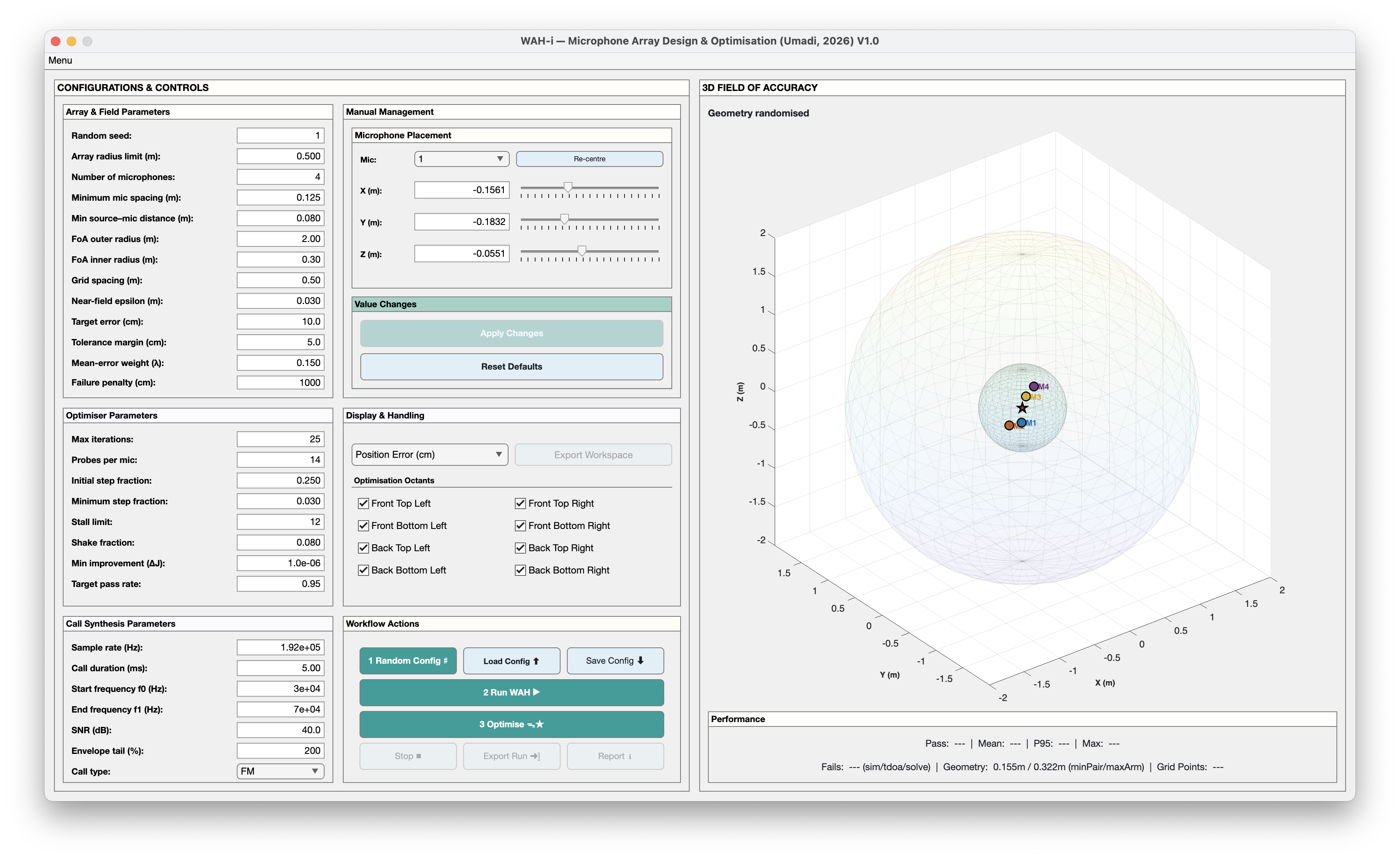
After installation, you should be able to launch WAH-i-Optimiser from your Applications/Start Menu (depending on platform).
Option B — Run from MATLAB (development)
Use this route if you want to modify the code, run experiments, or contribute improvements.
1) Clone the repository
git clone https://github.com/raviumadi/WAHi-Optimiser.git
cd WAHi-Optimiser
2) Add WAHi-Optimiser to your MATLAB path
In MATLAB (from the repo root):
addpath(genpath(pwd));
savepath;
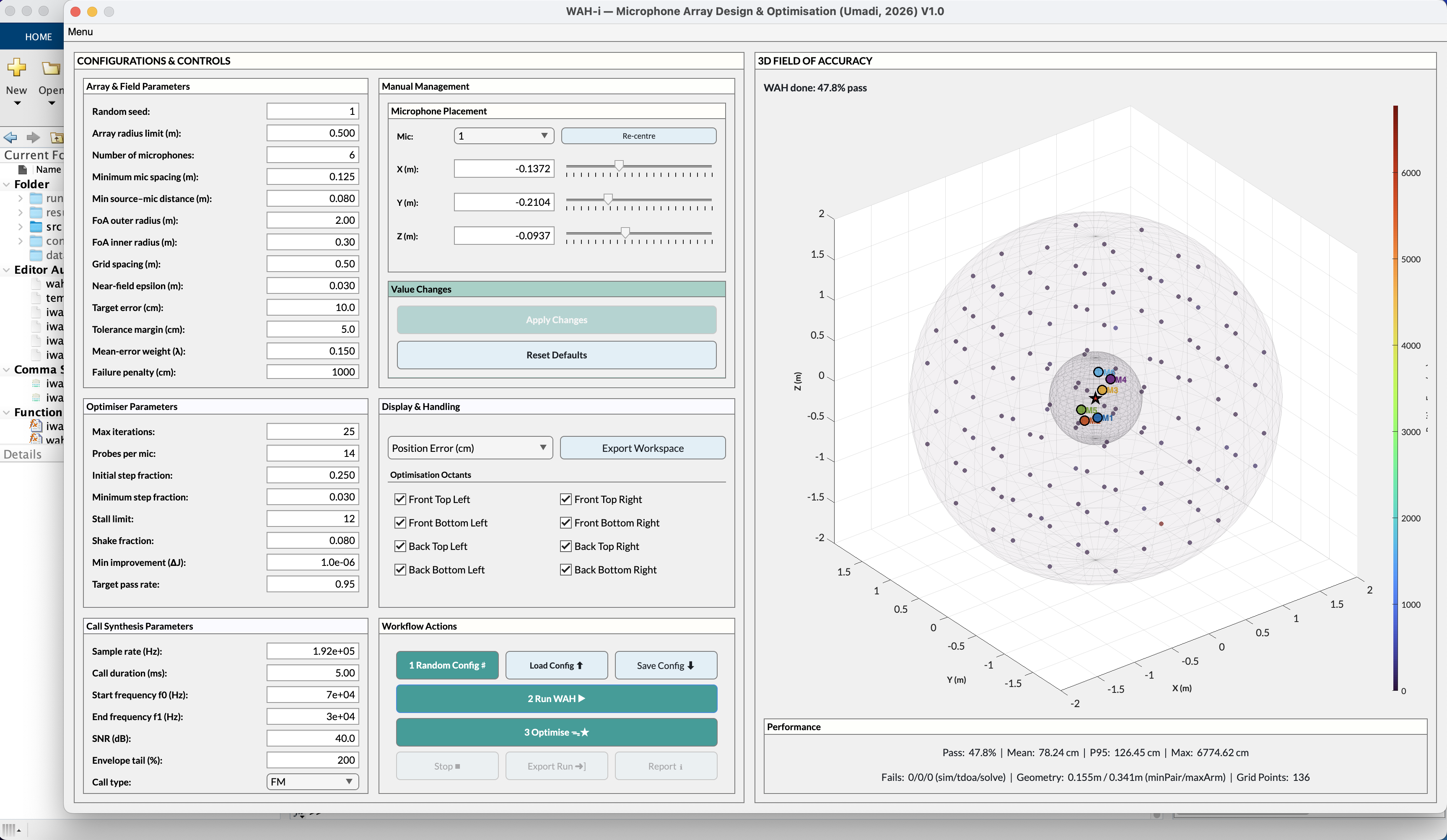
3) Launch the GUI
wahi_gui
Dependencies
WAH-i-Optimiser is designed to run on standard MATLAB installations, but some workflows require specific toolboxes.
-
Optimisation Toolbox (for optimisation runs using lsqnonlin). MathWorks link: https://www.mathworks.com/products/optimization.html
-
Localisation engine class (e.g., BatCallLocaliser.m) must be on the MATLAB path. This is included in the repo / app bundle, but if you are integrating your own engine, ensure it’s discoverable via addpath.
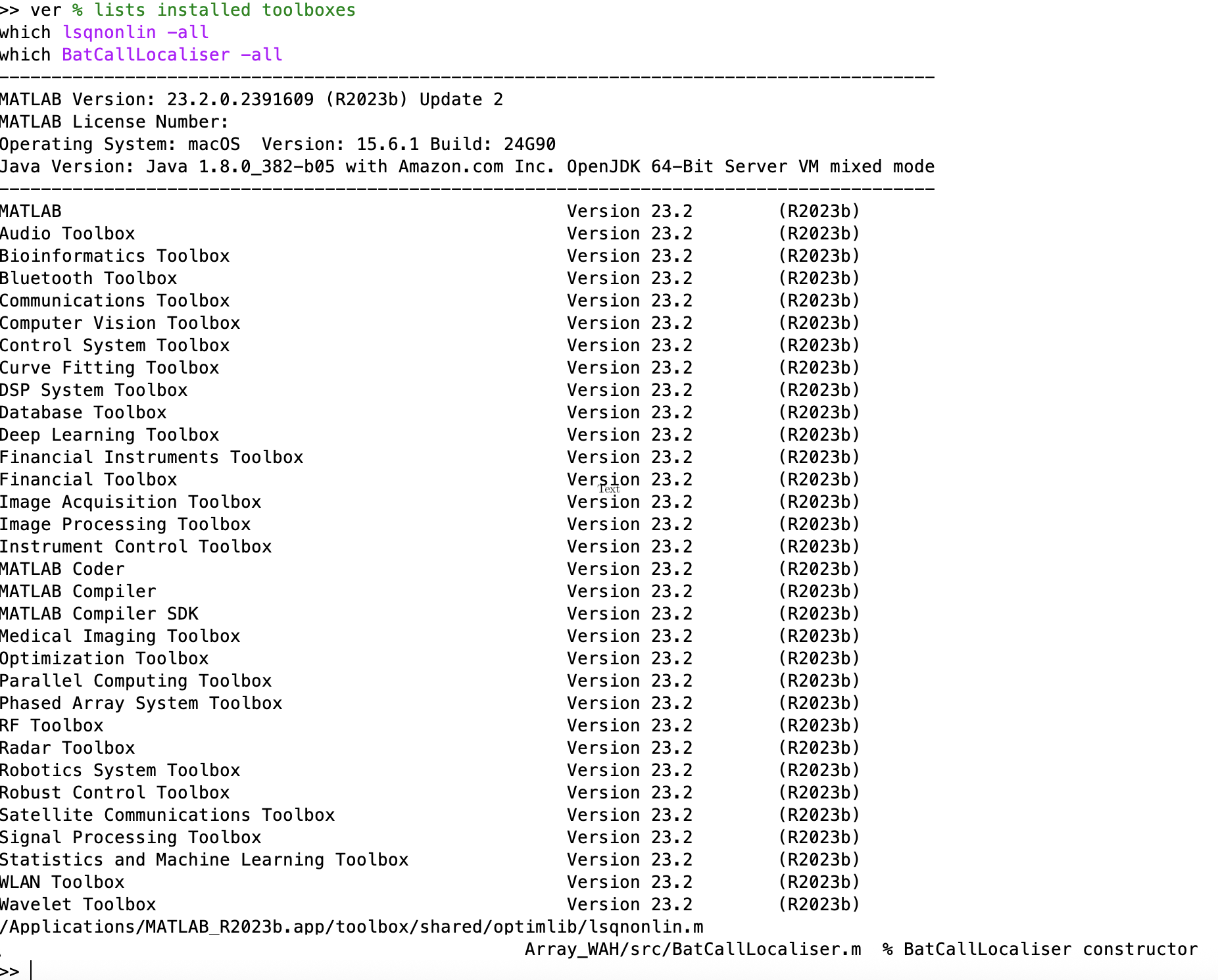
Quick dependency check (MATLAB)
ver % lists installed toolboxes
which lsqnonlin -all
which BatCallLocaliser -all
GUI-Limited Features
The Export Workspace option is only enabled when running the GUI via MATLAB. This allows easy export of the data to the base workspace and supports on-the-fly analyses. In the deployed version, this is disabled.
Troubleshooting
- I get “undefined function” errors Make sure you ran addpath(genpath(pwd)); from the repo root, and restart MATLAB once.
- Optimisation features are disabled / lsqnonlin not found Install the Optimisation Toolbox (or run in a MATLAB environment where it is available).
- Runtime installed but the app won’t start Confirm your Runtime version matches the release requirements (2023b).